REAL SCREENS
See the system your team uses.
The application screens show the Polish version of the interface.
Click a tab or device screen.
Your entire facility portfolio on one screen.
Active work orders, SLA deadlines, upcoming inspections and recent events. Managers see what needs a decision, and the team sees what needs to be done.
- KPIs from actual work orders
- Activity and change history
- Quick access to details
SHARED CONTEXT
The device is the starting point. The process brings the rest together.
A work order draws on the location, history and documentation. Completion records time, parts and the service report. The manager approves the result, and reporting helps plan the next steps.
- 01
Report
The problem has a location, device and description.
- 02
Assess
Manager sets priority, deadline and responsibility.
- 03
Assign
The technician receives the task and context.
- 04
Complete
Checklist, documents, time and parts used.
- 05
Approve
Manager checks the result and the service report.
- 06
Analyse
History, cost and report remain with the case.
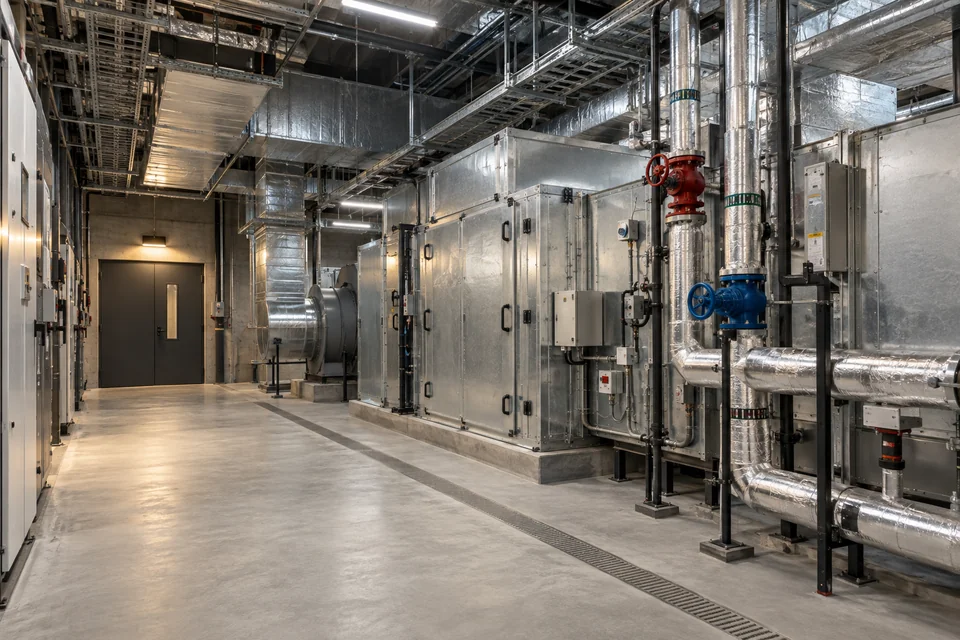
Technical work that leaves a clear trace.
Instead of separate information about failure, order and inspection, you gain links between them. The role determines access, and the history helps you understand what was changed.
- Facilities and devices organised in the registry
- Tasks with responsibility and deadlines
- Work and costs documented in the case
NEXAFACILITY
Start with the workflow
you want to improve.
We will determine the scope needed in your facilities.