Find the right information
Device card, location, document and work history in one context.

CMMS + FACILITY MANAGEMENT
You know what needs fixing, who is doing it and what has been done. Connect devices, inspections and technical work in one NexaFacility centre.
Good building condition starts with well-organised work.
View operations centreLESS SCATTERED INFORMATION
A tenant’s message, an equipment spreadsheet and a paper service report describe the same case. NexaFacility connects them in a workflow the team can follow from start to finish.
Device card, location, document and work history in one context.
The priority, deadline and assigned technician are visible on the task.
Check the backlog, SLA execution, time and cost of parts in your scope.
REAL SCREENS
The application screens show the Polish version of the interface.
Click a tab or device screen.
Active work orders, SLA deadlines, upcoming inspections and recent events. Managers see what needs a decision, and the team sees what needs to be done.
FROM REQUEST TO REPORT
Example: an HVAC failure. Information passes between roles, while the equipment record retains the work history.
The problem has a location, device and description.
Manager sets priority, deadline and responsibility.
The technician receives the task and context.
Checklist, documents, time and parts used.
Manager checks the result and the service report.
History, cost and report remain with the case.
TOOLS FOR THE ENTIRE FACILITY
Start with your main workflow. The register, warehouse, plans and reports add context without re-entering the same information.
Each device has its place and history.
CMMSFrom the first request to approved work.
PREVENTIVE MAINTENANCEMaintenance dates beyond a single person’s calendar.
INVENTORYParts available where you need them.
VENDOR MANAGEMENTService agreements alongside everyday operations.
FACILITY MAPSFind equipment within its facility.
UTILITIESReadings in one timeline.
FIELD SERVICEInformation at the device, not just at the desk.
OPERATIONS INSIGHTSSee where tasks and costs accumulate.
KNOWLEDGEDocumentation close to the technical decision.
BUILT AROUND REAL WORK
Installations and service scopes differ. The need for information, responsibility and documentation is shared.
FACILITY MANAGERS
Tenants report problems through various channels, and installation documentation is scattered.
Learn how to use it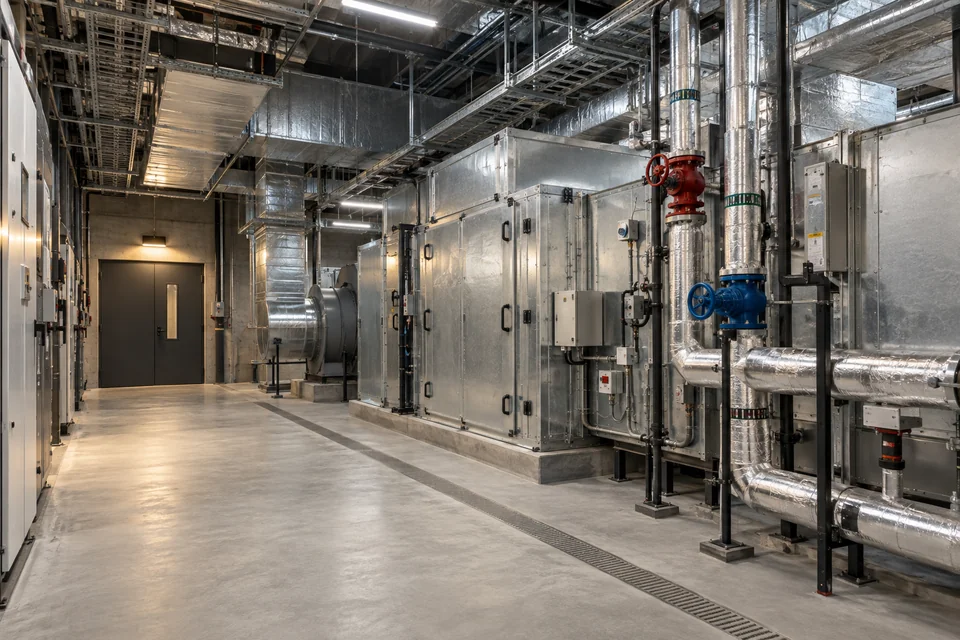
EXTERNAL TECHNICAL SERVICE
The team supports multiple locations, contractors, and SLA deadlines simultaneously.
Learn how to use it
CONTINUITY OF FACILITY OPERATIONS
An installation fault requires quick handover between reception, technician and manager.
Learn how to use it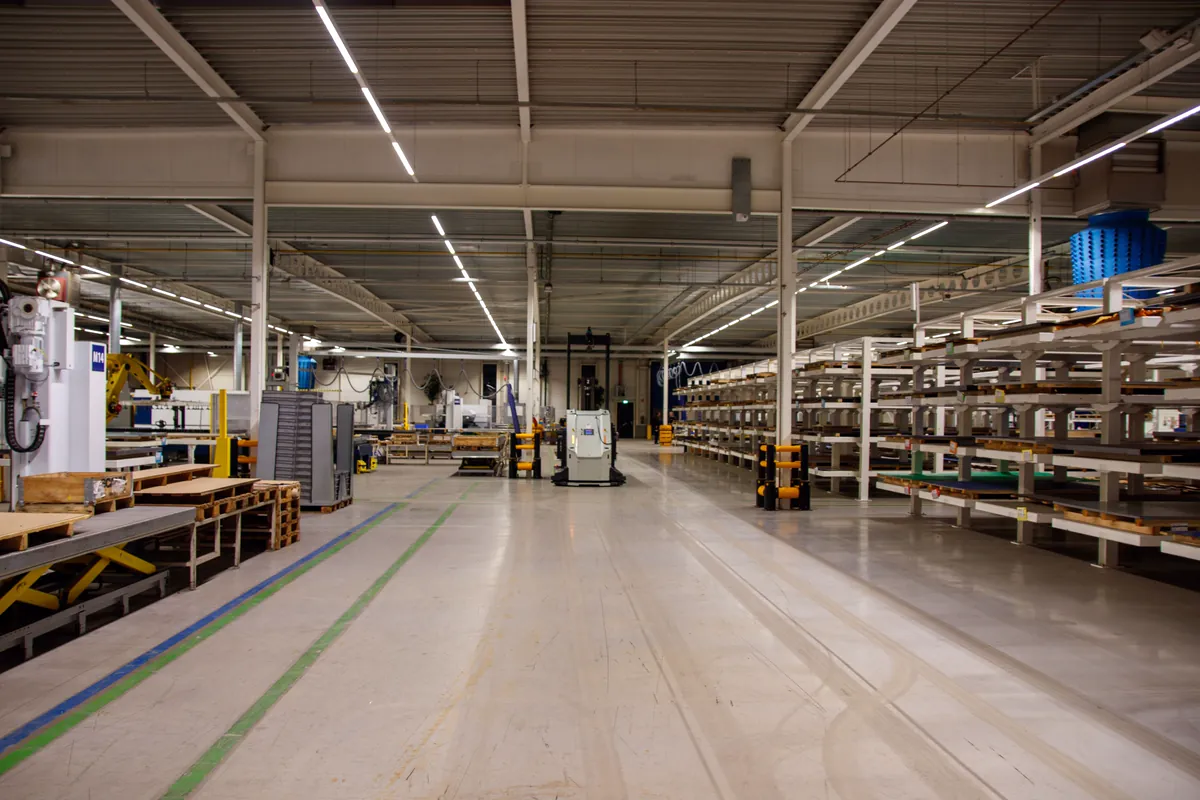
MAINTENANCE
Failure, missing parts and overdue inspection may occur on the same device.
Learn how to use it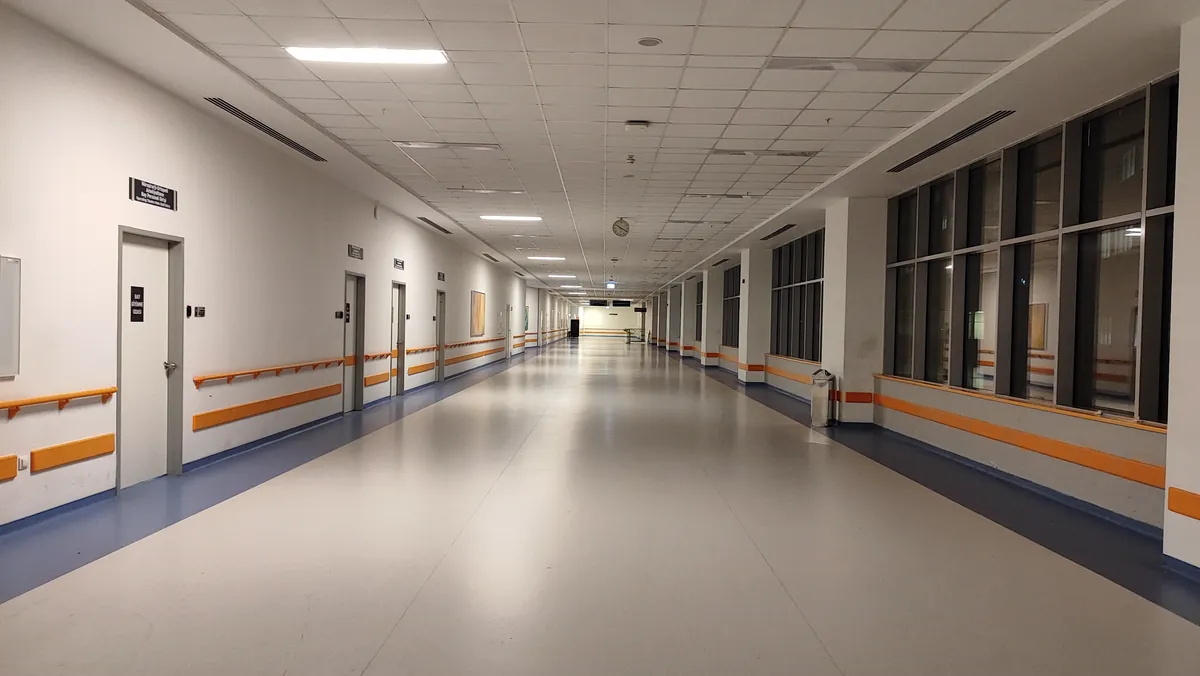
CLEAR DOCUMENTATION
Multiple buildings and responsible persons make it difficult to review deadlines and documents together.
Learn how to use it
A SHARED WORKING STANDARD
Each facility maintains its own spreadsheets and describes the same installation differently.
Learn how to use itOFFICE · FIELD · INVENTORY
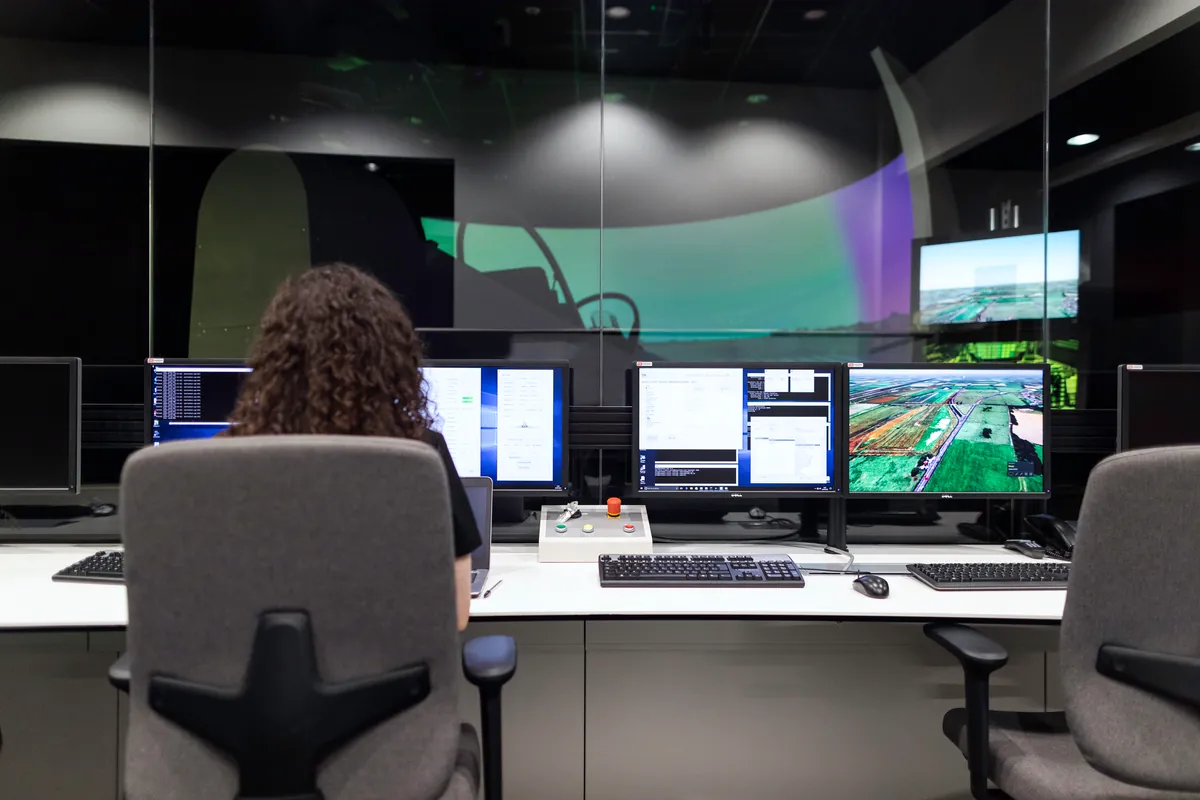

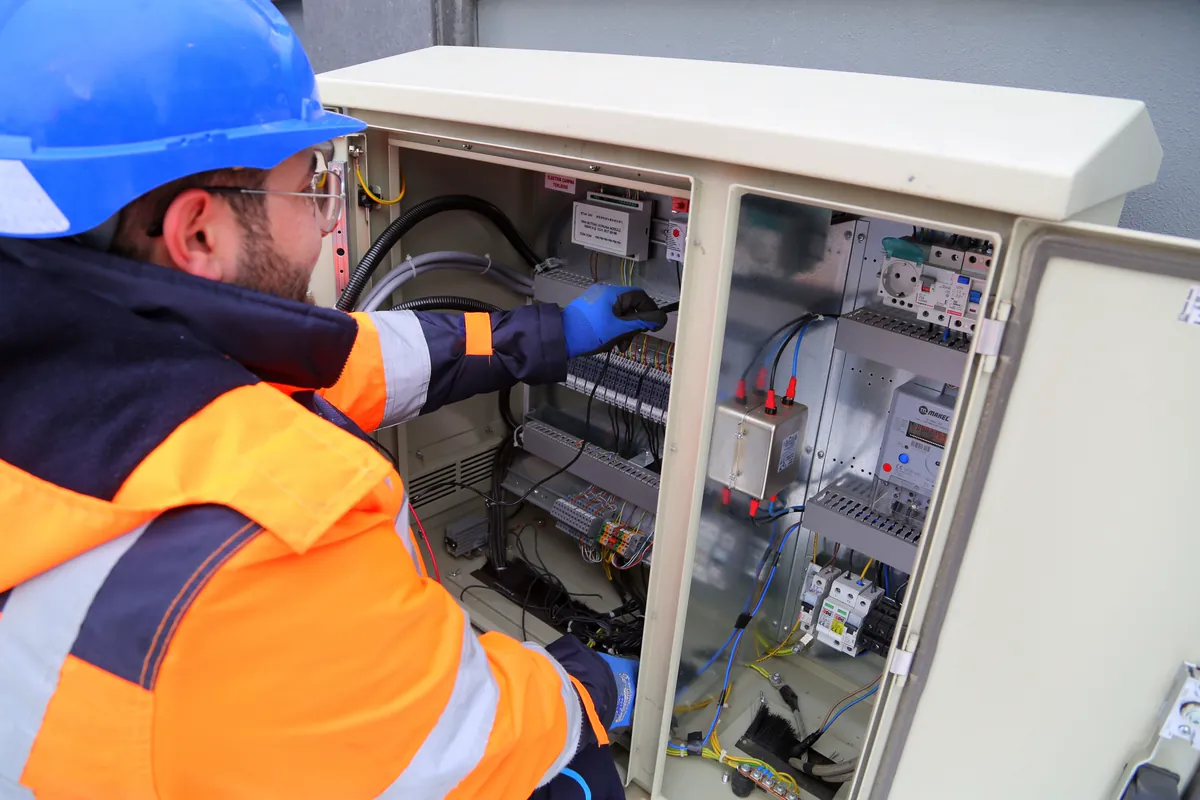
Illustrative photographs from Unsplash and Pexels, used under their licences. They do not show customer deployments.
OFFICE AND FIELD IN THE SAME PROCESS
Task and documentation at the technician's fingertips. Result to be checked by the manager. Status for the submitter. No rewriting the service report when you return to your desk.
Version 1.0.0 (10022) • 16.9 MB · iOS — coming soon
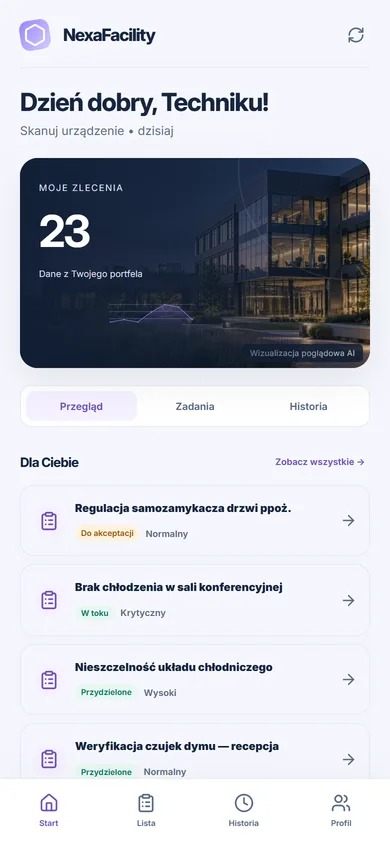 True mobile view in browser
PEOPLE AND RESPONSIBILITY
What users see depends on their role and organisation. Decisions remain in the history, and important operations require explicit confirmation.
Organisation, facility and responsibilities determine the scope of data.
Changes and decisions have a history, version and person responsible.
Important operations don't end with just the preview.
Privacy requests and custom export available in the panel.
A SUBSCRIPTION TO FIT YOUR TEAM
Charges apply to the accounts of people managing and carrying out work. Accounts used to report users’ own faults are included in the organisation’s package.
Starter
For a team organizing the operation of one facility.
Monthly billing for each team account.
Ask about StarterProfessional
For a manager coordinating technicians and several locations.
Monthly billing for each team account.
Ask about ProfessionalEnterprise
For organisations with multiple teams and a larger scale of work.
Monthly billing for each team account.
Ask about EnterprisePrice list of proposed subscriptions. We are currently accepting inquiries - the site does not activate a paid service or collect payments. The scope of facilities, implementation and integration is confirmed in the offer. Net prices.
Check out the full price list and team calculatorA WELL-PREPARED START
Prepare the register, select a pilot facility and test the complete task workflow with your team.
Facilities, devices, roles and current operation.
Complete the task with the technician and manager on pilot data.
Add locations and integrations after confirming how you work.
USER REVIEWS
We only publish reviews from signed-in users of organisations with an active licence — after a moderator has checked them, critical ones included.
There are no published reviews yet. The first ones will appear here after account verification and moderation.
GOOD TO KNOW
Answers about subscriptions, service requests and teamwork.
Links the request to facility, device, technician, documentation, parts and cost. You maintain status, responsibility and decision history in one process.
For facility managers, facility management companies, hotels, plants and institutions. It is best to start with a specific facility and one process that requires the most coordination today.
The planned subscription fee includes a personal account of the person managing or performing work: administrator, manager, technician or auditor. Accounts reporting their own faults are included in the organisation's paid package at no separate charge.
The price on the card is for one team account. For annual settlements, we show the monthly equivalent and the full amount for 12 months payable in advance. All prices are net.
The website currently accepts enquiries and presents proposed plans. It does not activate a paid service or collect subscription payments. Sales will begin after billing has been implemented and tested.
NEXAFACILITY
We will determine the scope needed in your facilities.
MOBILE APP
Requests, work orders and inspections in the field — with asset cards opened by QR code and an offline work queue.
All about the mobile appThe iPhone version will appear once it is published in the App Store. Until then you can use NexaFacility in your phone’s browser.