REAL SCREENS
See the system your team uses.
The application screens show the Polish version of the interface.
Click a tab or device screen.
Your entire facility portfolio on one screen.
Active work orders, SLA deadlines, upcoming inspections and recent events. Managers see what needs a decision, and the team sees what needs to be done.
- KPIs from actual work orders
- Activity and change history
- Quick access to details
Operator panel
Tasks, facilities, devices and reports.
Open viewProduct admin
Company, configuration and organisation.
Open viewCustomer Portal
Own matters and documentation.
Open viewMobile view
Technician and field work tasks.
Open viewOperations require a dedicated account. The website does not reveal passwords or automatically log in to panels.
Real screens
External integrations require provider accounts and acceptance testing.
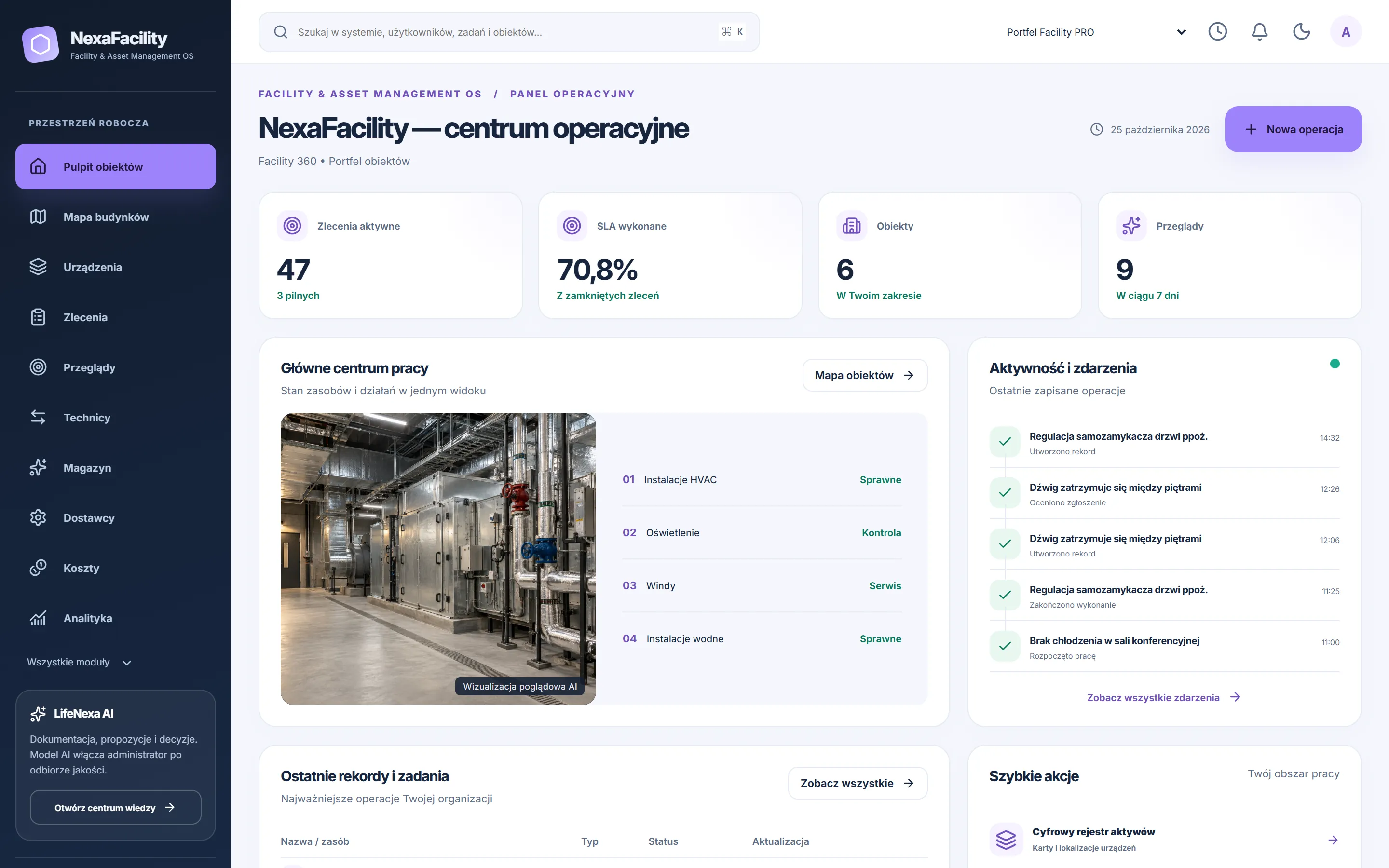
Operations Centre
Facilities, orders, SLAs and recent events.
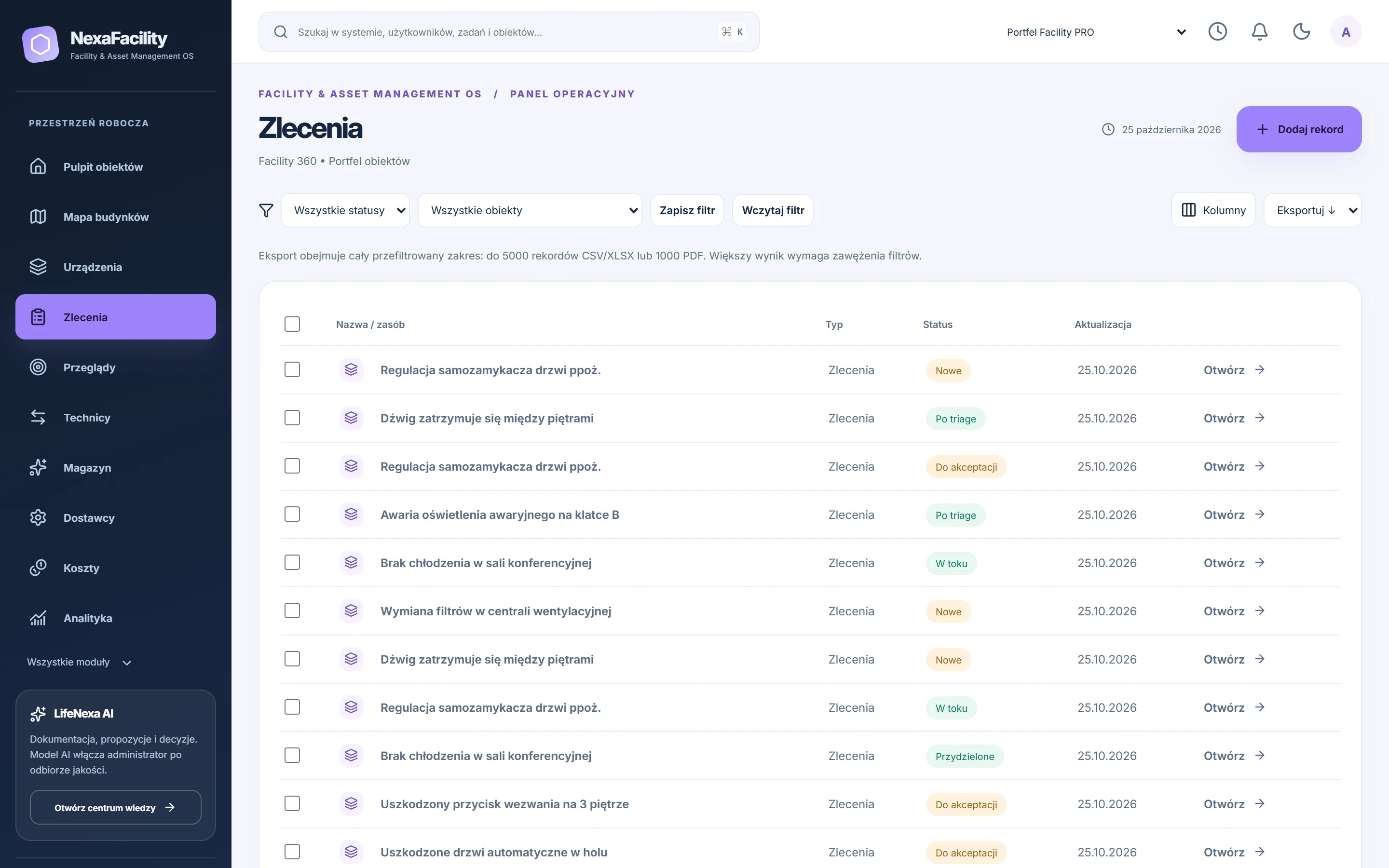
Work orders and SLAs
Filters, columns, exports and mass actions.
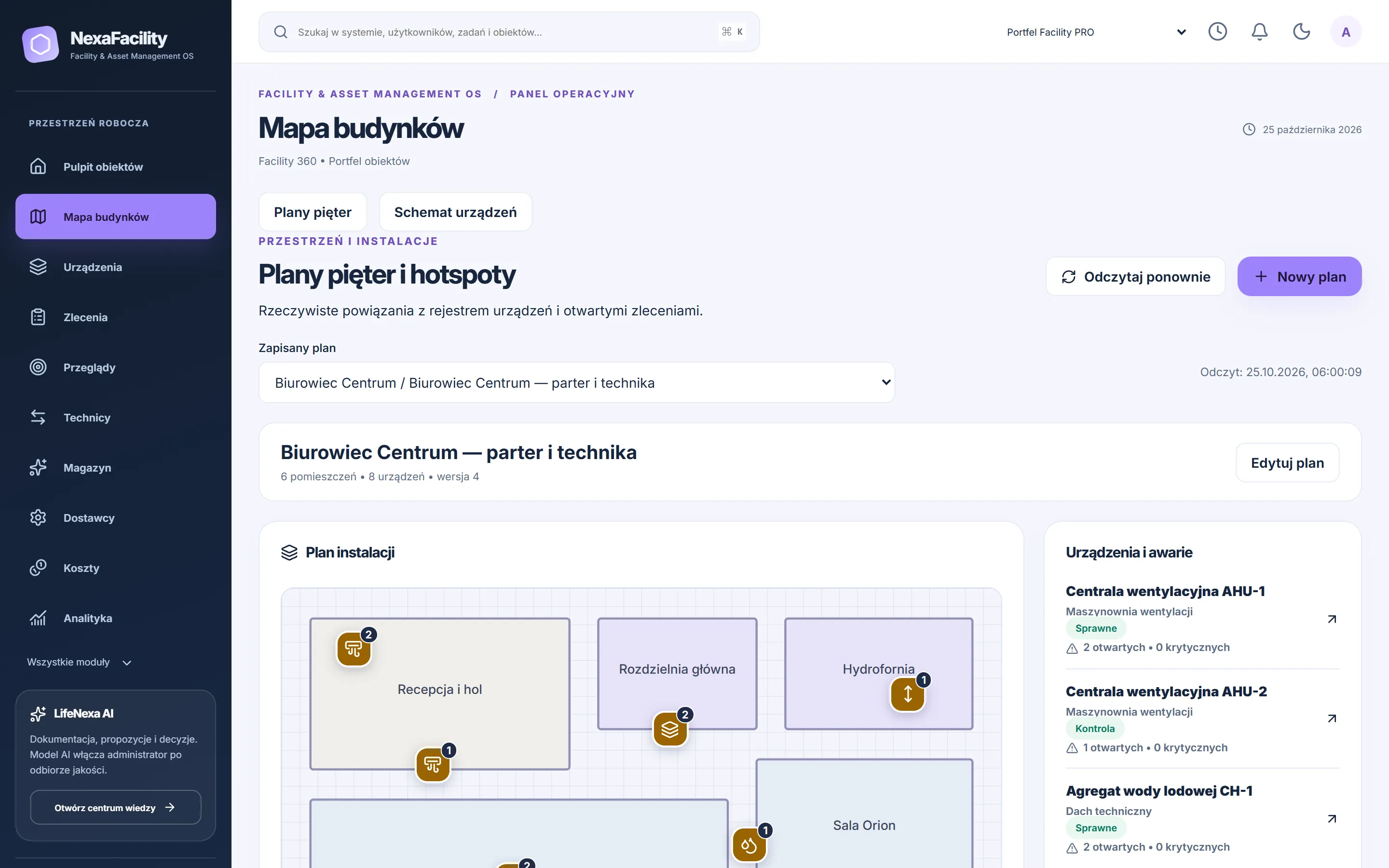
Floor plans and hotspots
Rooms, equipment and open reports.
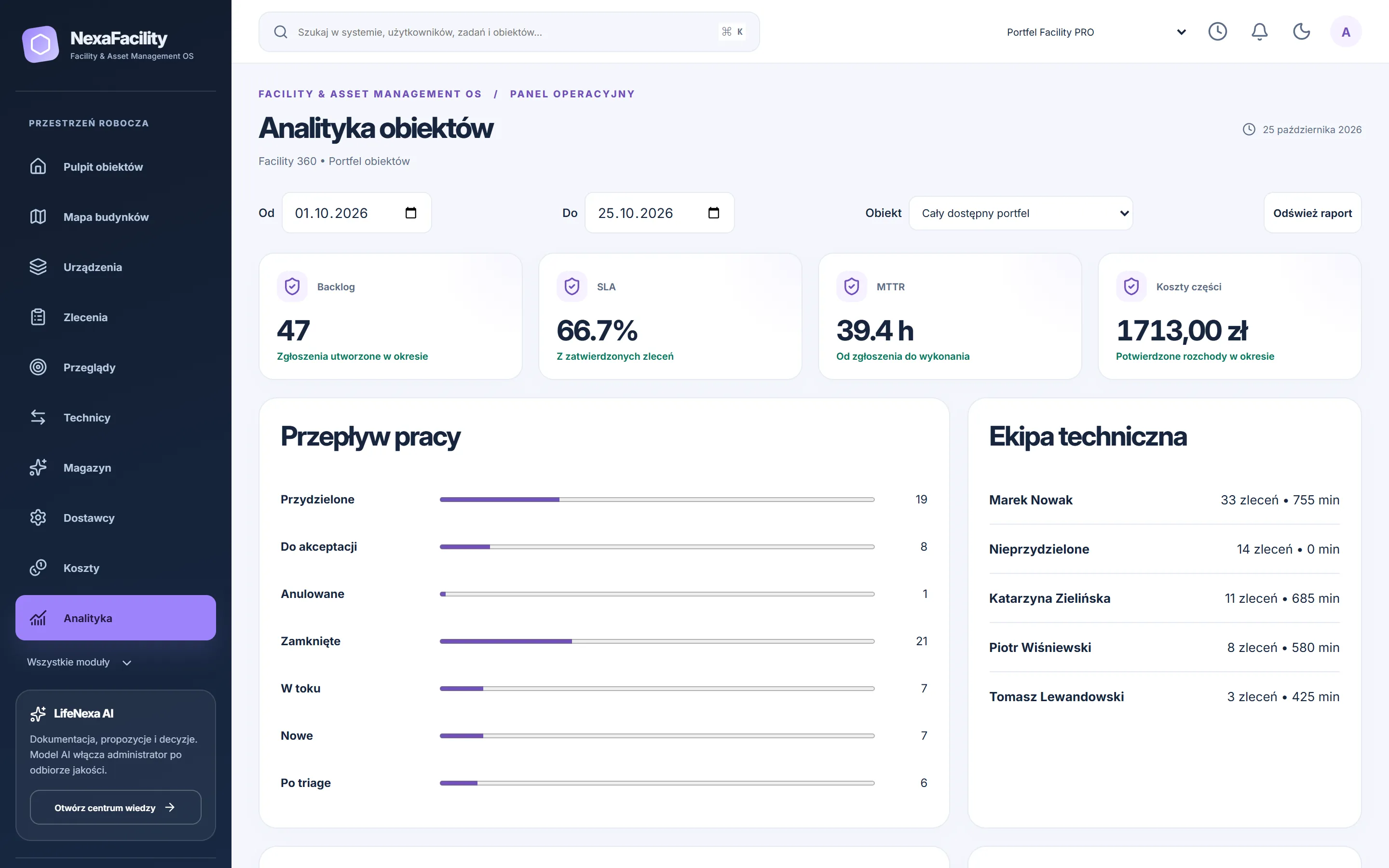
Facility Analytics
MTTR, backlog, costs and SLA execution.
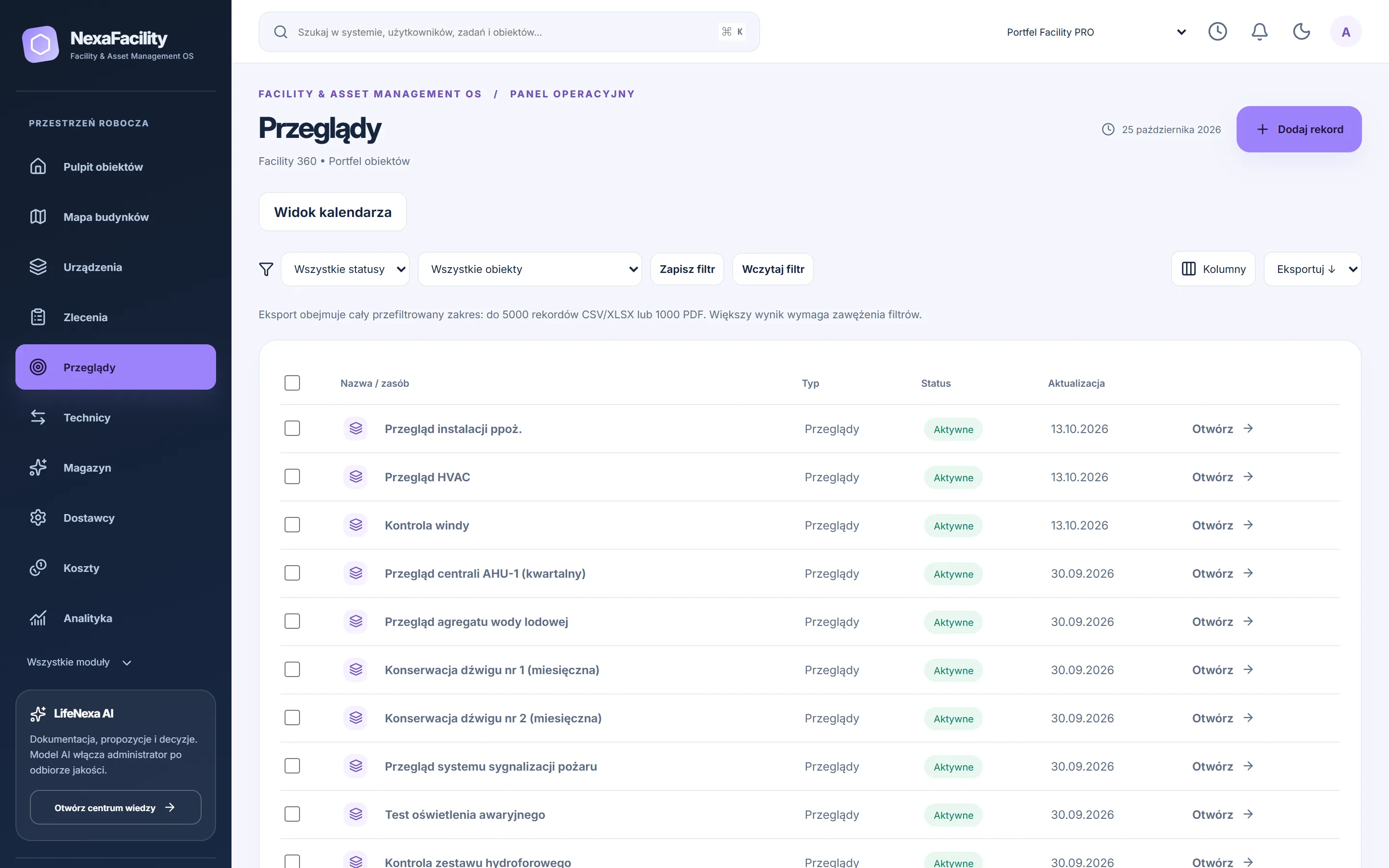
Inspections
Cycles, deadlines and responsible persons.
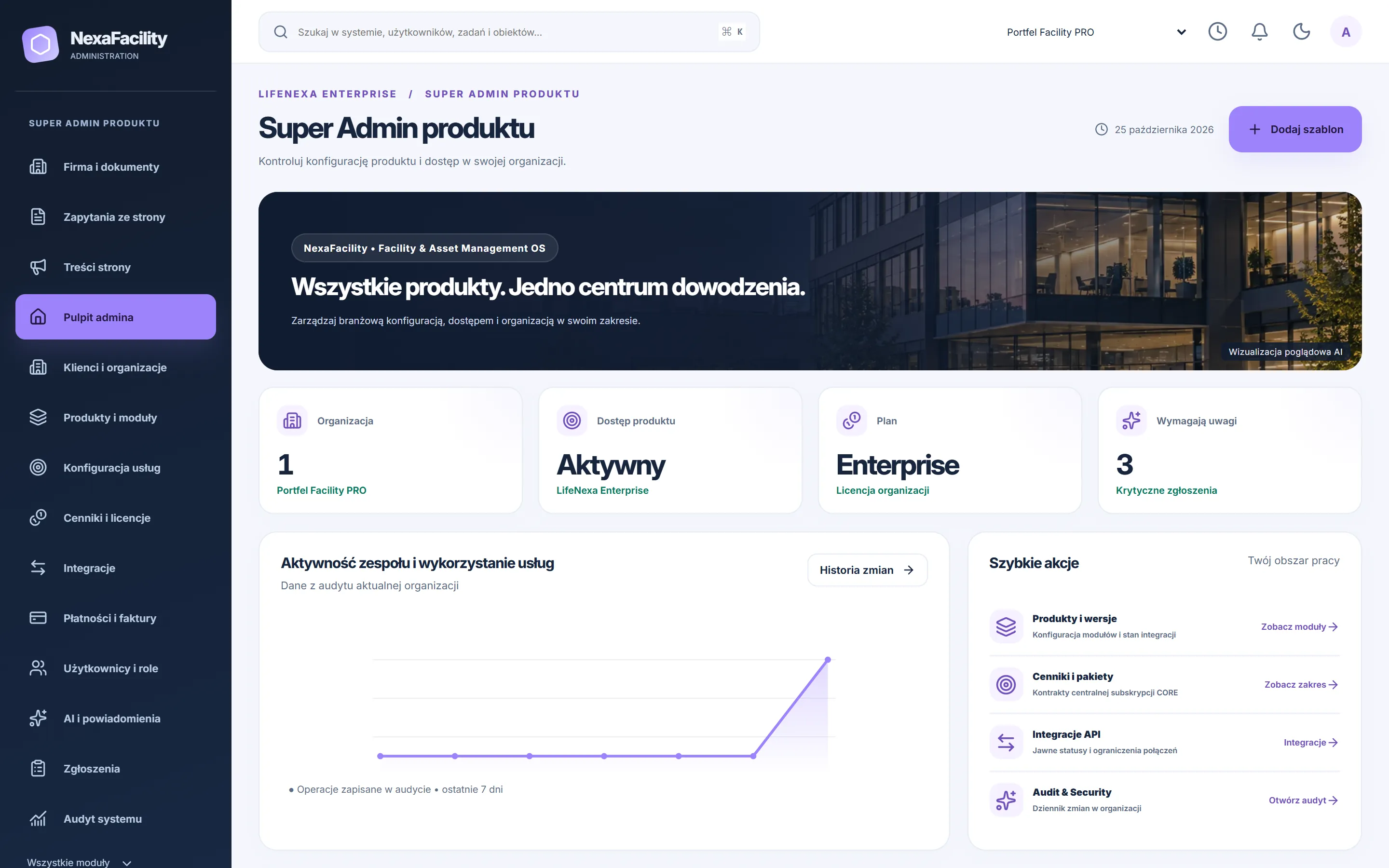
Admin panel
Product and organisation configuration.
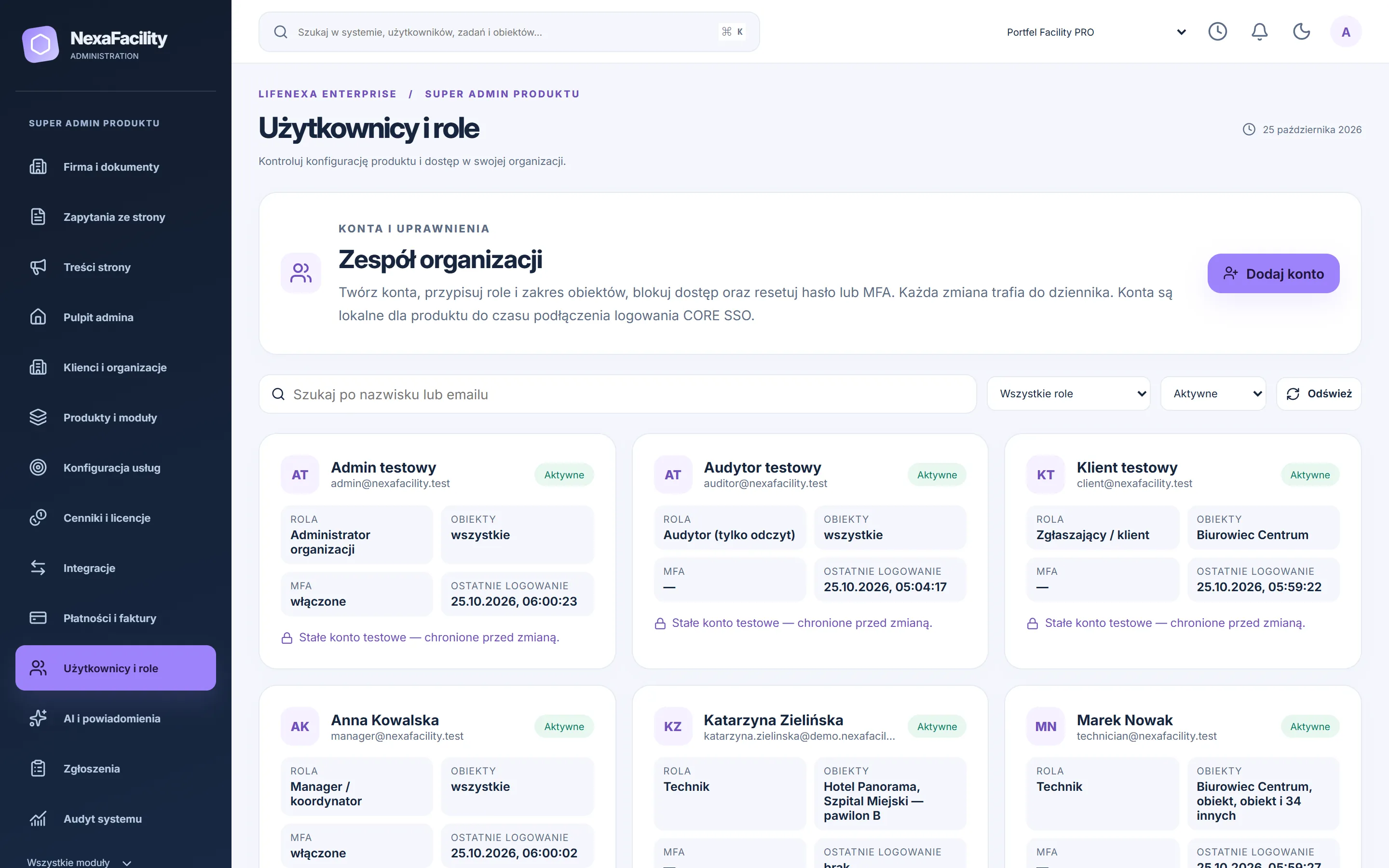
Users and roles
Accounts, facility scope, locks and password reset.
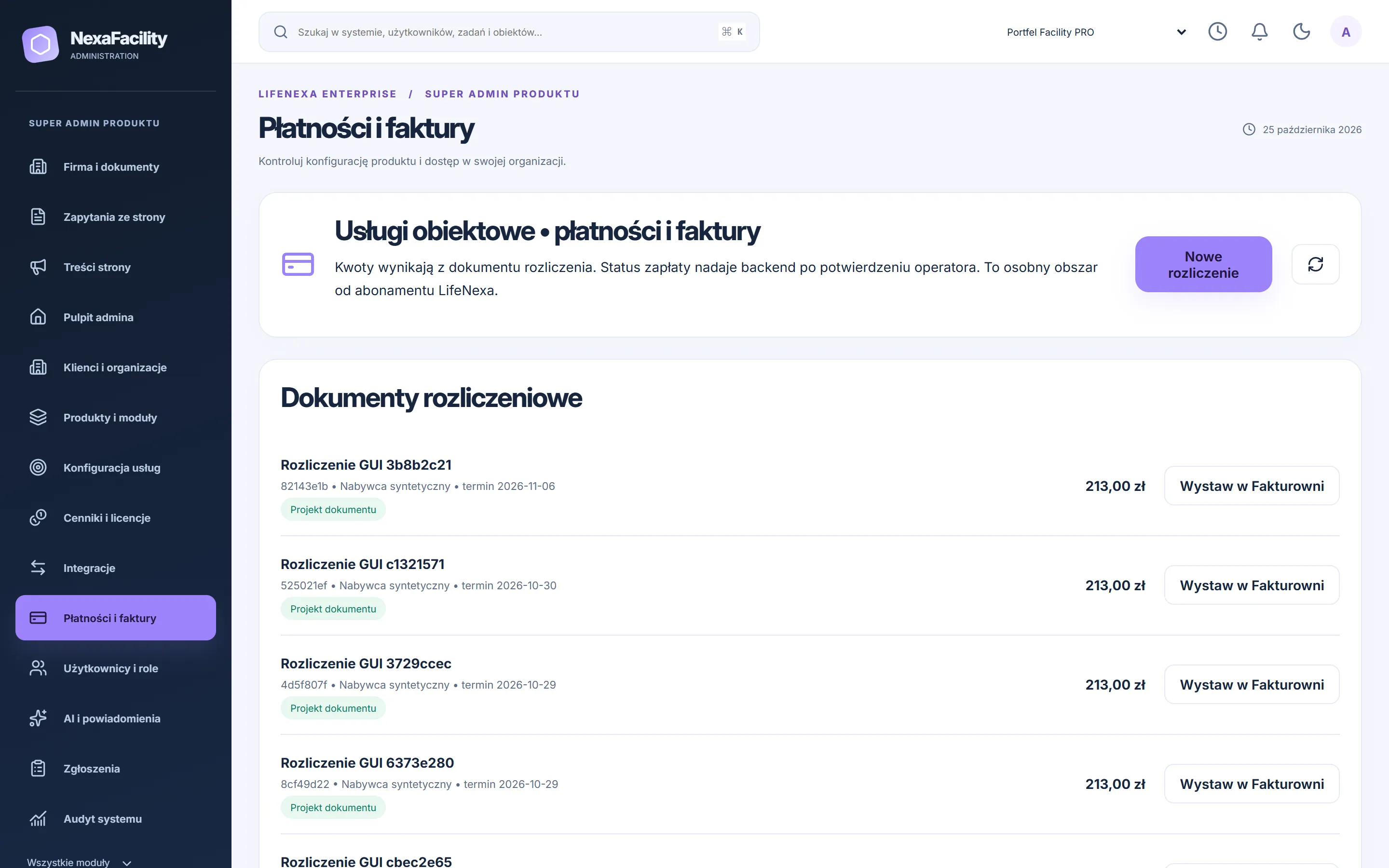
Payments and invoices
Stripe, Przelewy24 and Fakturownia - keys are entered by the owner.
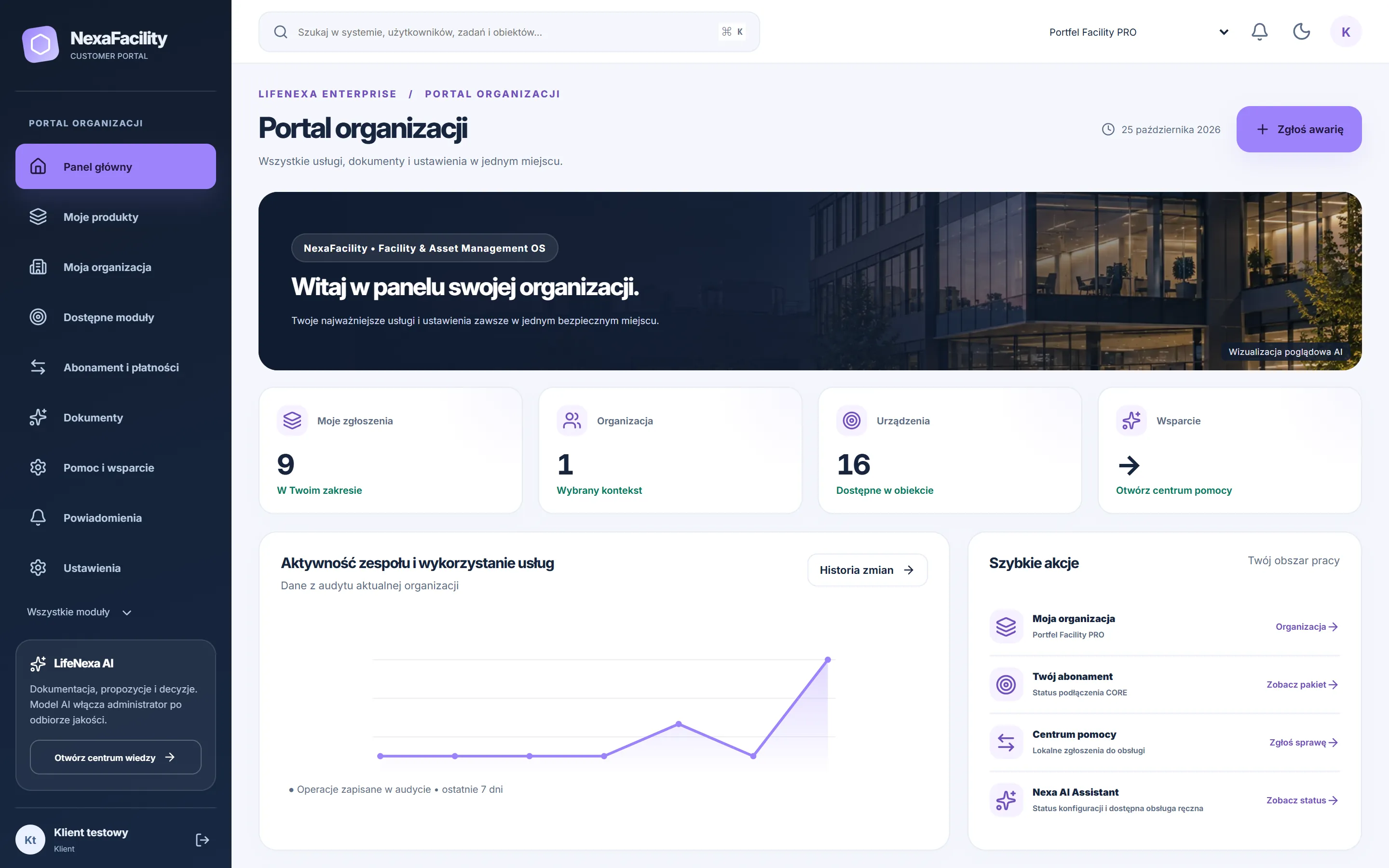
Customer Portal
Organisation notifications, statuses and documents.
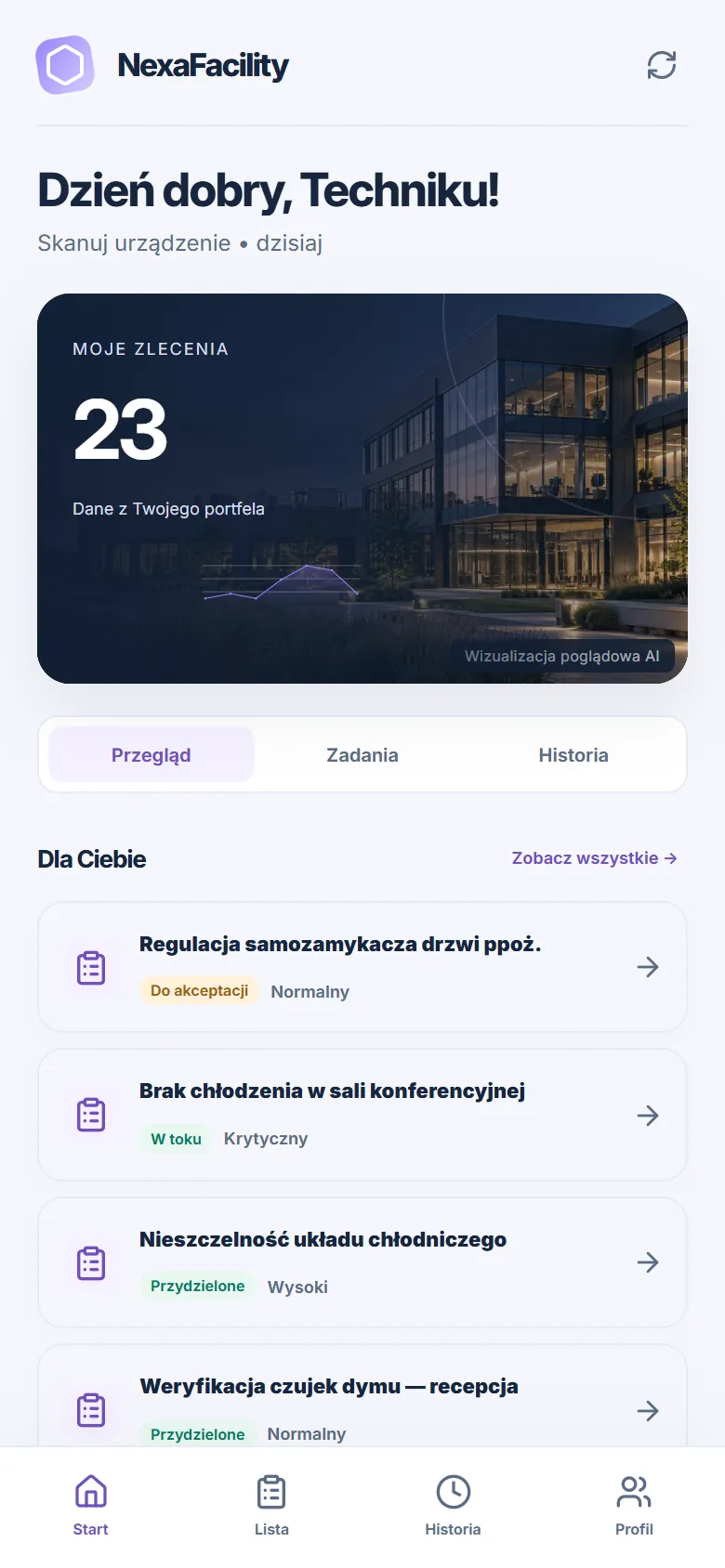
Technician app
Today's tasks and field work.